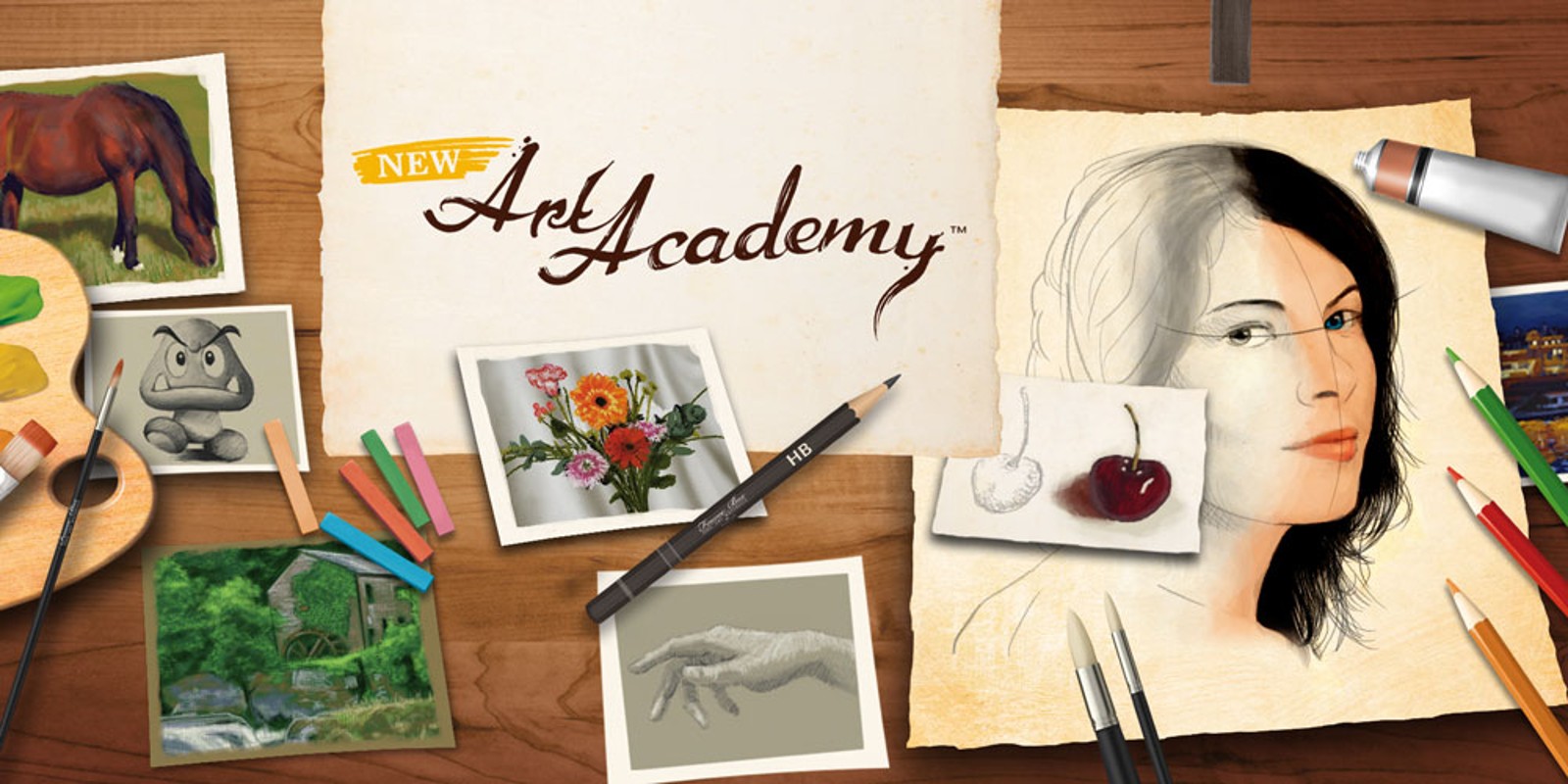
Try out new skills and discover hidden talents you didn't know you had in New Art Academy for Nintendo 3DS! With over 30 brand-new lessons to get your creative hands on, New Art Academy will have you painting and drawing your own masterpieces and sharing them with your friends and family in no time.
Whether you can't manage more than a stickman or are already a proficient painter, New Art Academy features lessons for everybody with both Introductory and Advanced Courses that offer easy to follow, step-by-step guides to a variety of drawing and painting techniques, styles and materials. You'll notice how your skills develop quickly and your confidence grows as you progress – the different methods are easy to pick up and explained clearly. Some of the reference images for the lessons are displayed as 3D videos, such as a tree with moving leaves or a river with flowing water.
If you just want to doodle or to practise a technique you have just learned, such as creating a stunning portrait, the Free Paint mode gives you an unlimited blank canvas to use at your will as well as a wide range of art materials to try out.
Enjoy mastering different materials – paints and brushes, as well as a wide variety of coloured pencils, pastels and many different accessories at your disposal. These additional accessories include Scratch Pads for testing your artistic implement of choice, a Colour Wheel to help choose similar or complementary colours for an image when using the paints, and even a Blending tool for smoothly blending the pastels together. The accessories will help to make your pieces look even more realistic and create a more in-depth experience for the user, and further extend the creative possibilities whilst learning new skills and effects.
Be proud of your work and show it off to family and friends around the world; with New Art Academy you have plenty of possibilities to share your creations and can send your greatest masterpieces to your loved ones via SpotPass.
Become a virtual art teacher! You can also create and share your own interactive lessons for your friends and family to enjoy! Select a subject, perhaps inspired from a photo you've taken on your Nintendo 3DS, then teach your friends a favourite technique or style, and share it via local wireless or online via SpotPass.
Always wanted to have your very own art gallery? Well, now you can! Hang your art in your in-game museum and admire your handiwork as you walk around.
To begin learning new artistic techniques and painting masterpieces, there's no better place to start than in New Art Academy, for Nintendo 3DS.
- New lessons, new equipment and new skills await you!
- Whether you're a complete novice or already a budding artist, you're sure to learn something new from either the Introductory or Advanced Courses
- Share your masterpieces with friends and family via local wireless or online via SpotPass
This description was provided by the publisher.
What you need to know
This content is sold by Nintendo of Europe AG. The payment will be made with Nintendo eShop funds usable through the Nintendo Account used to complete the purchase.
This content is sold by Nintendo of Europe AG, payable with Nintendo eShop funds usable through your Nintendo Account. The Nintendo Account Agreement applies to the purchase of this content.
This content may be purchased by users who have registered a Nintendo Account and accepted the respective legal terms. To be able to purchase content for Wii U or Nintendo 3DS family systems, a Nintendo Network ID is also required and your funds usable through the Nintendo Account must be merged with the funds tied to your Nintendo Network ID. If the funds have not yet been merged, you will have the option to do so during the purchase process. To start the purchasing process, it is necessary to sign in with the Nintendo Account and the Nintendo Network ID. After signing in it will be possible to review the details and complete the purchase.
To be able to purchase content for Wii U or Nintendo 3DS family systems, your funds usable through the Nintendo Account must be merged with the funds tied to your Nintendo Network ID. If the funds have not yet been merged, you will have the option to do so during the purchase process. You will be able to review the details and complete the purchase on the next screen.
The details of this offer apply to users who sign in with a Nintendo Account with the country setting corresponding to the country setting of this website. If the country setting of a Nintendo Account is different, the details of this offer may be adjusted (for example, the price will be displayed in the respective local currency).
After your payment has been processed, the content will be downloaded to the applicable system linked to your Nintendo Account, or your Nintendo Network ID in the case of Wii U or Nintendo 3DS family systems. This system must be updated to the latest system software and connected to the internet with automatic downloads enabled, and it must have enough storage to complete the download. Depending on the system/console/hardware model you own and your use of it, an additional storage device may be required to download software from Nintendo eShop. Please visit our Support section for more information.
In the case of games that use cloud streaming technology, only the free launcher application can be downloaded.
Please make sure you have enough storage to complete the download.
After your payment has been processed, the content will be downloaded to the applicable system linked to your Nintendo Account, or your Nintendo Network ID in the case of Wii U or Nintendo 3DS family systems. This system must be updated to the latest system software and connected to the internet with automatic downloads enabled, and it must have enough storage to complete the download. Depending on the system/console/hardware model you own and your use of it, an additional storage device may be required to download software from Nintendo eShop. Please visit our Support section for more information.
In the case of games that use cloud streaming technology, only the free launcher application can be downloaded.
Please make sure you have enough storage to complete the download.
The details of the offer are displayed based on the country settings of your Nintendo Account.
The Nintendo Account Agreement applies to the purchase of this content.
The use of an unauthorised device or software that enables technical modification of the Nintendo console or software may render this game unplayable.
This product contains technological protection measures.
Content not playable before the release date: {{releaseDate}} . For pre-orders, payments will be taken automatically starting from 7 days before the release date. If you pre-order less than 7 days before the release date, payment will be taken immediately upon purchase.
Please note: for games that support 3D images, you can only appreciate the 3D effect of Nintendo 3DS, Nintendo 3DS XL, New Nintendo 3DS and New Nintendo 3DS XL on the system itself. Game visuals display in 2D on Nintendo 2DS and New Nintendo 2DS XL. All screenshots and game footage on this site are captured in 2D mode.

 Manual